5 new ways to level up your learning with Search
To help students start the semester with confidence, Google is introducing new learning tools through AI in Search, designed to be safe by design. The features aim to help users understand new concepts, persist through tricky subjects, and stay organized while studying.
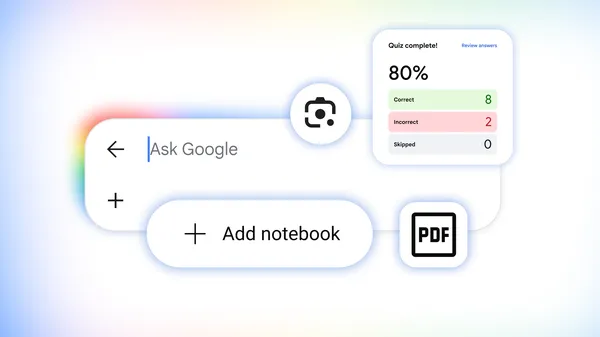
Search can now generate interactive visuals and simulations for complex topics: searching 'ph scale' yields an interactive visual in an AI Overview, and asking for something like citrus fruits plotted on the pH scale in AI Mode creates a customized experience. Generative UI capabilities launched globally in English in AI Mode and are rolling out in AI Overviews. Practice quizzes are also available for any subject, from science and math to humanities and foreign languages, with specialized prep for standardized tests including ACT, AP, ENEM, GRE, JEE, LSAT, MCAT, NEET, and SAT. Content is licensed from The Princeton Review, Careers360, PhysicsWallah, and Akira Enem, and users can ask for a quiz (e.g., 'create a quiz with the most commonly tested vocab words to help me prep for the SAT') to get an interactive quiz with explanations and links to learn more.
Lens in Search, coming in the next few weeks, will offer an interactive learning experience that helps break down tough concepts and confirm if you’re on the right track. Users can tap the Lens camera icon in the Google app on Android and iOS and snap a photo of what they're working on. Practice quizzes are now globally available in English at no charge in both AI Overviews and AI Mode.